
You have just acquired a Doro phone, or you received one as a gift. There is one step that seems simple but often causes problems: finding the right SIM card. The format, the network, the plan, everything matters, and a poor choice can render the device unusable. Here’s what to check before buying anything.
2G Shutdown: Will Your Doro Still Work Tomorrow?
Before even discussing SIM card formats, a more urgent question arises. French operators have scheduled the shutdown of the 2G network in 2026, followed by the 3G shutdown between 2028 and 2029 according to the operators. If your Doro only supports 2G, inserting a new SIM won’t change anything: the phone will gradually lose the ability to make and receive calls.
Many older Doro models (flip phones or those with large buttons) only operate on 2G or 3G networks. Inserting a 4G SIM into a device limited to 2G does not turn it into a 4G phone. It is the device that determines the network used, not the card.
Before ordering a plan, check the manual or the box of the phone to see if “4G” or “LTE” is mentioned. If not, it’s better to consider a newer Doro model that is 4G compatible, rather than investing in a plan that will become useless. To better understand the nuances of compatibility between models, you can read the advice from Seniors Actu on the subject.
Doro SIM Card Format: Micro, Nano, or Standard
Not all Doro phones use the same SIM card format. This is a common source of error.
Let’s take a concrete example. You order a nano-SIM because it’s the most common format today, that of recent smartphones. You open the drawer or battery cover of your Doro, and the card floats in the slot: it’s too small. Your Doro was expecting a micro-SIM.
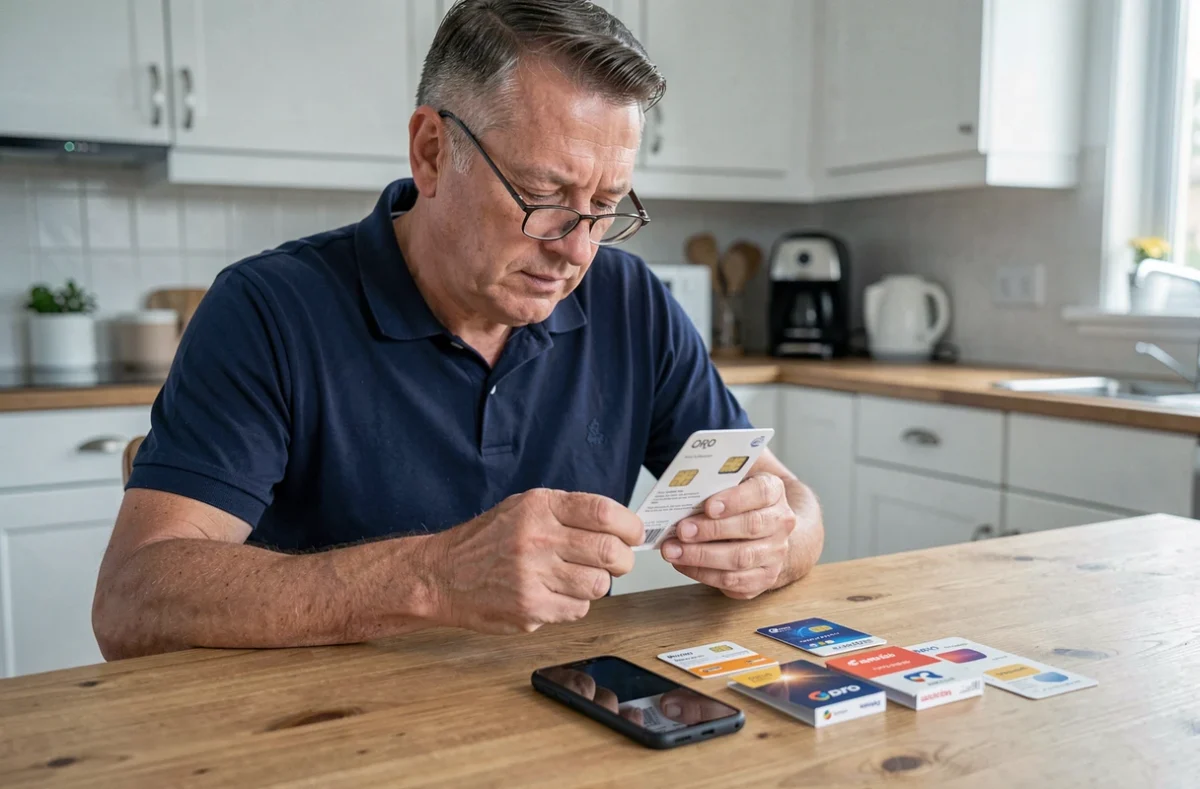
Here’s how to know which format to choose:
- Older models with large buttons (Doro 6520, 6530) generally use a micro-SIM, the intermediate format between the large standard card and the small nano-SIM.
- Recent smartphone-type models (Doro 8080, 8100) usually accept a nano-SIM, the smallest current format.
- The Doro 780X, a 4G button model, uses micro-SIMs and even has a dual SIM slot, which is uncommon for a phone in this category.
The exact format is always indicated in the manual provided with the phone, in the “Getting Started” or “SIM Card Insertion” section. If in doubt, ask your operator for a triple-cut SIM card: it incorporates all three formats in a single pre-cut holder. You detach the one that corresponds.
VoLTE and 4G Calls: The Invisible Trap of the Plan
Your Doro is 4G compatible and you have the right SIM size. Everything should work. Not necessarily.
A phone may display “4G” in the status bar for internet browsing, but automatically switch to 2G or 3G when making a call. This is the default behavior when VoLTE (Voice over LTE) technology is not activated or supported.
VoLTE allows you to make calls directly over the 4G network, without falling back to an older network. With the scheduled shutdown of 2G and 3G, this technology will ensure that your phone can still make calls in the coming years.
For VoLTE to work, three conditions must be met simultaneously:
- The phone must support VoLTE (the Doro 780X, for example, is listed as VoLTE compatible on its product sheet).
- The mobile plan must include the VoLTE option, sometimes activated by default, sometimes not.
- The operator must have listed the Doro model in its list of VoLTE compatible devices. A device can technically support VoLTE without being recognized by the operator.
Contact your operator to verify these three points. A 4G plan without VoLTE activated is not enough to guarantee the continuity of calls after the shutdown of 2G.
Doro Plan for Seniors: MVNO or Traditional Operator
You may have opted for a low-cost plan with a virtual operator (MVNO) like Prixtel, Yourice, or NRJ Mobile. These plans use the network of one of the major operators (Orange, SFR, Bouygues, or Free), without having their own infrastructure.
The service works well in most cases. But with the shutdown of 2G and 3G networks, one point deserves attention: it is the host network that determines the shutdown schedule. If your MVNO uses the network of an operator that shuts down its 2G earlier than expected in your area, your plan may lose coverage without you being directly informed by the MVNO.
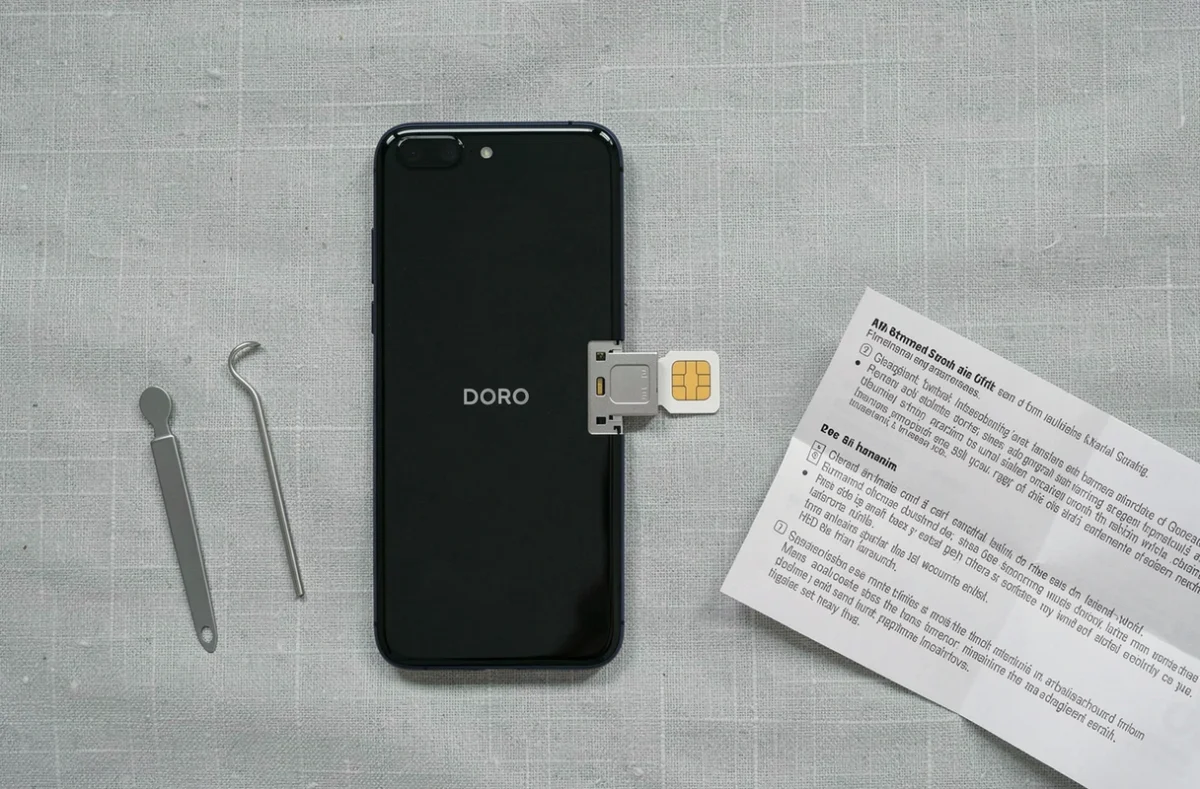
Check which physical network your virtual operator uses. This information is usually found in the contract terms or on the MVNO’s website. If your Doro is a model that only supports 2G/3G, changing operators will not solve the problem: the phone will need to be replaced.
For simple use (calls, SMS, a few photos), a plan with a small data volume is sufficient. The cheapest plans often include 4G but not always VoLTE, so ask the question explicitly when signing up.
The choice of SIM card for a Doro is not limited to a question of size. The network supported by the phone, VoLTE compatibility, and the type of operator weigh as much, if not more, than the physical format of the chip. Checking these three elements before purchase avoids weeks of unnecessary troubleshooting.